How to Connect Your Ring
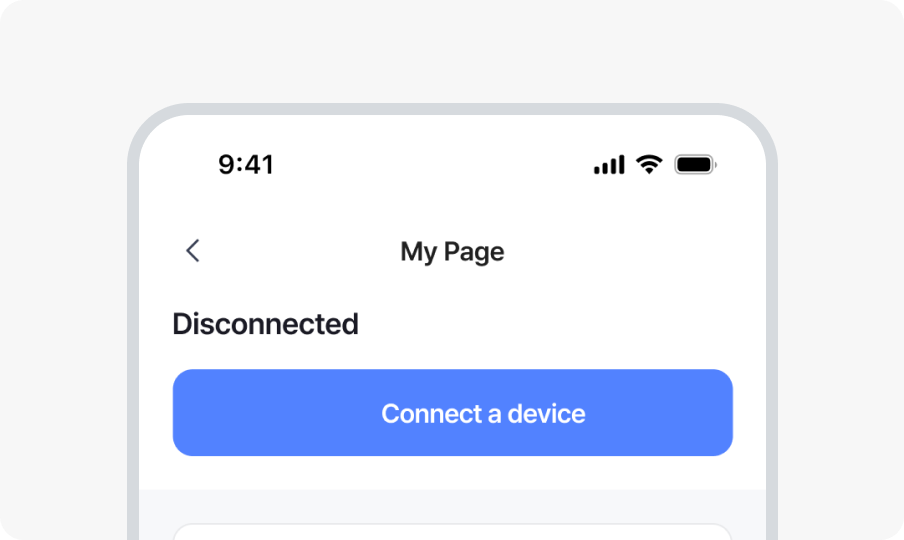
1. Open the b.ring app and go to My Page, then tap Connect a device.
* Always connect through the b.ring app.
If you connect directly from your phone’s Bluetooth settings, the app may not be able to detect the ring.
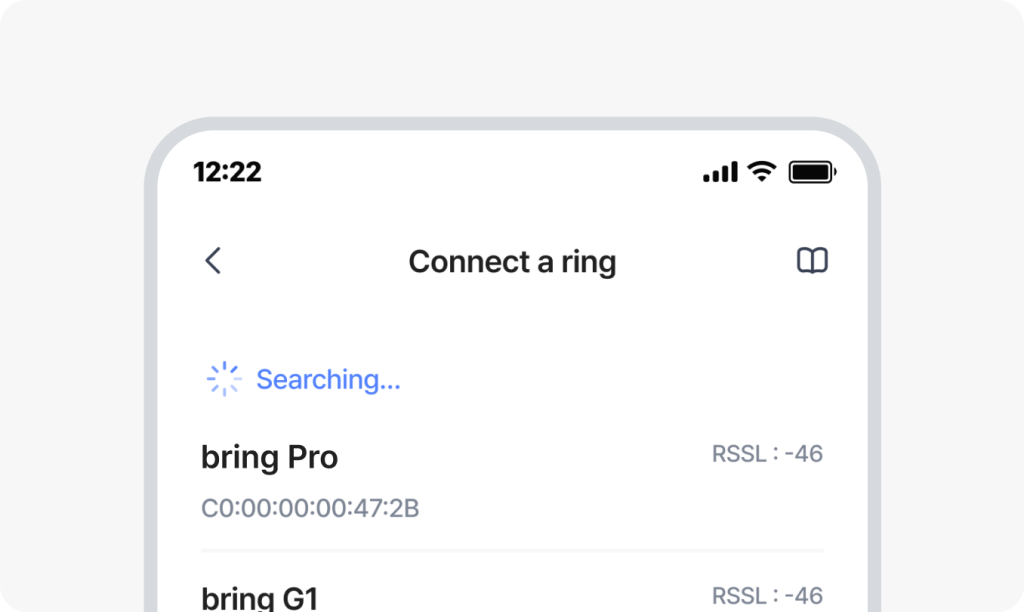
2. Select the ring you want to connect.
* If your ring doesn’t appear in the list, check the ‘If Your Ring Isn’t Detected’ section below.
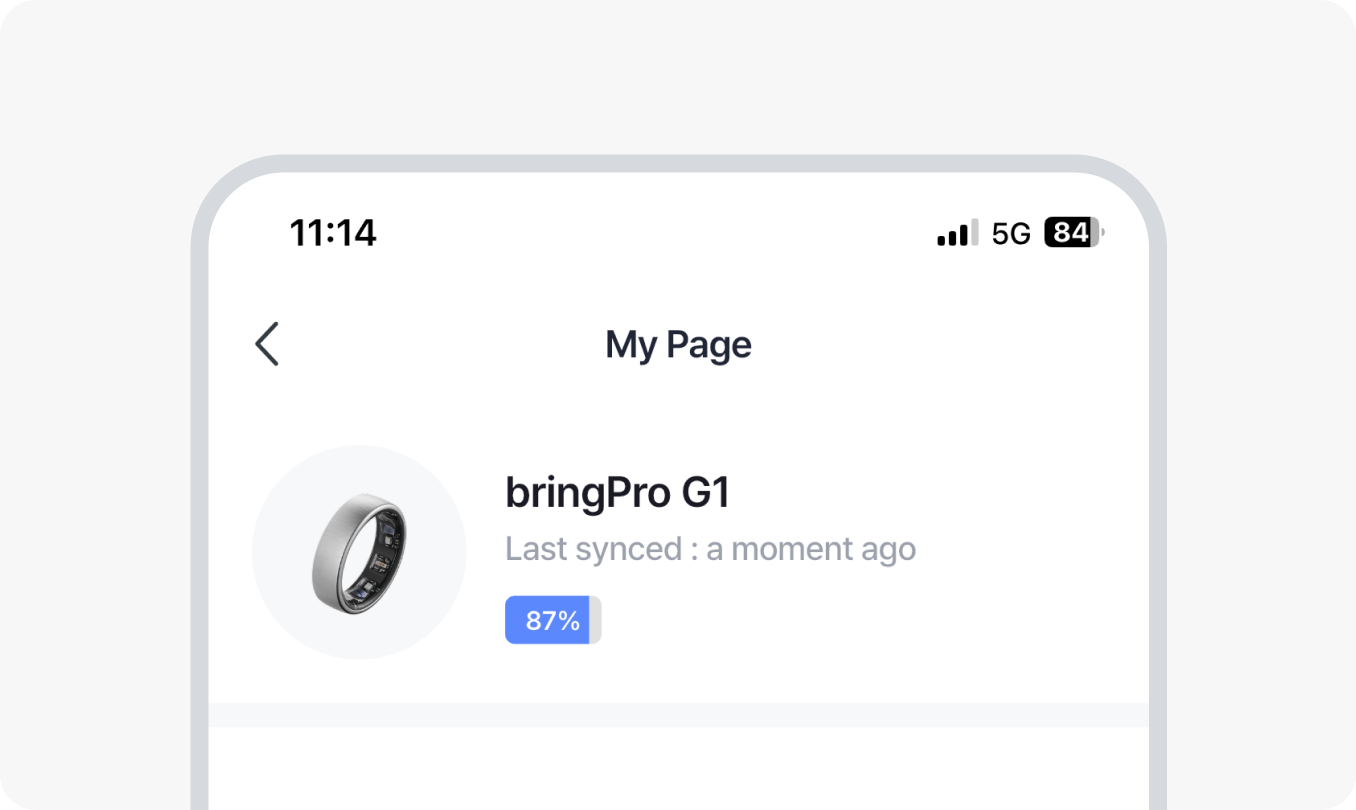
3. Once connected, your ring status will appear in My Page.
If Your Ring Isn’t Detected
- The battery may have drained during shipping. Try charging it for at least 10 minutes, then attempt to connect again.
- Please allow Location and Bluetooth permissions. The b.ring app only requests the essential permissions needed to search for and connect your ring.
- If b.ring is already connected in your phone’s Settings > Bluetooth, please disconnect it and try again.
- Check if your ring is paired to another smartphone.