How to Connect Your Band
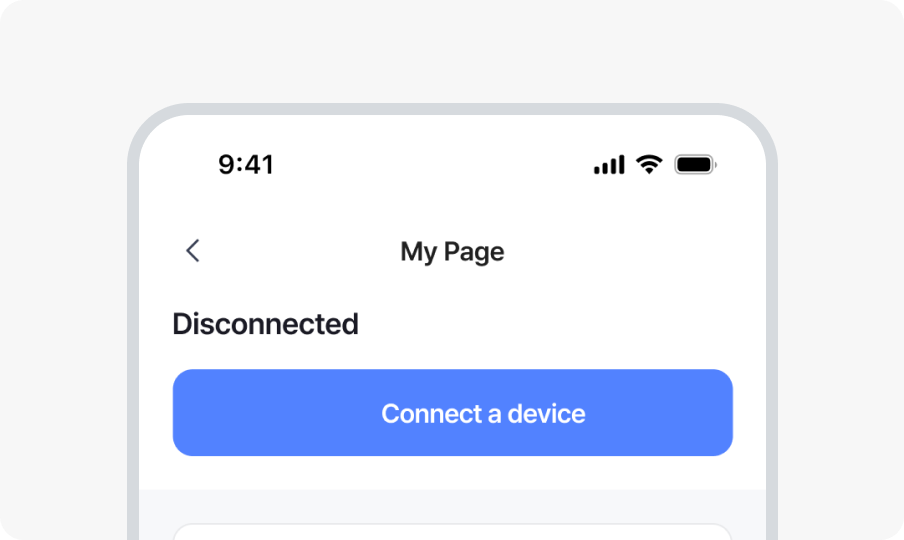
1. Open the b.ring app and go to My Page, then tap Connect a device.
* Always connect through the b.ring app.
If you connect directly from your phone’s Bluetooth settings, the app may not be able to detect the band.
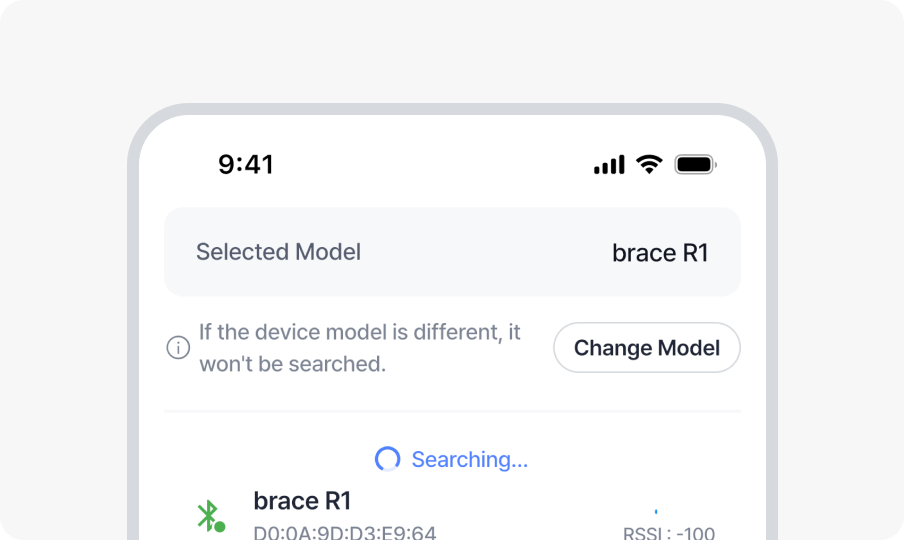
2. Select the band you want to connect.
* If your band doesn’t appear in the list, check the ‘Can’t find the device?’ section below.
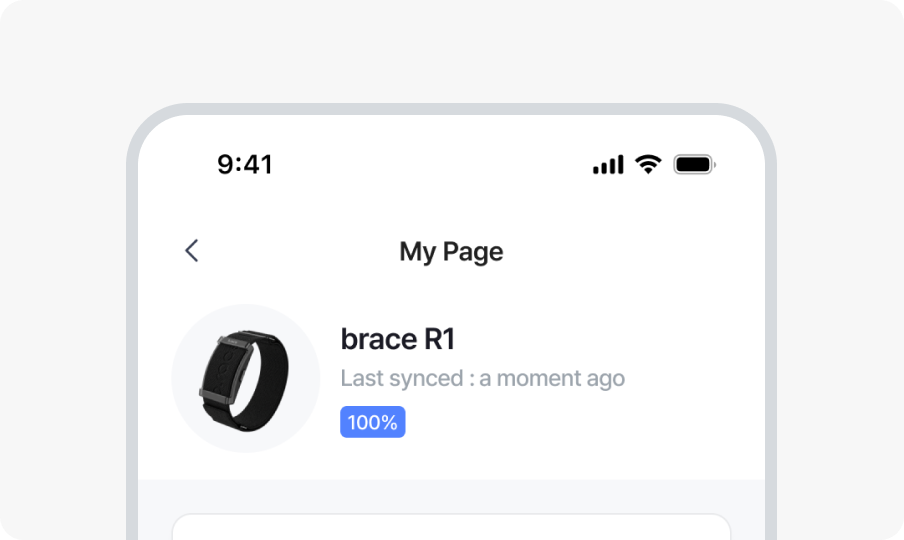
3. Once connected, your band status will appear in My Page.
If Your Band Isn’t Detected
- The battery may have drained during shipping. Try charging it for at least 10 minutes, then attempt to connect again.
- Please allow Location and Bluetooth permissions. The b.ring app only requests the essential permissions needed to search for and connect your band.
- If brace R1 is already connected in your phone’s Settings > Bluetooth, please disconnect it and try again.
- Check if your band is paired to another smartphone.