Learn about the Friends feature
Add friends to use b.ring together!
Friends feature
- Even without a ring, anyone with the b.ring app can receive an invitation and become your friend.
- Once you’re friends, you can use b.ring Care (real-time data sharing) to manage your health together.
- More features you can use with friends will be added in the future.
How to add Friends
- Go to [My Page > Friends].
- Tap [Add Friend] and send a message to the person you want to add.
- The recipient can check the request in [Requests].
* If they don’t have the app, they’ll be guided to install it. - Once the request is accepted, you become friends.
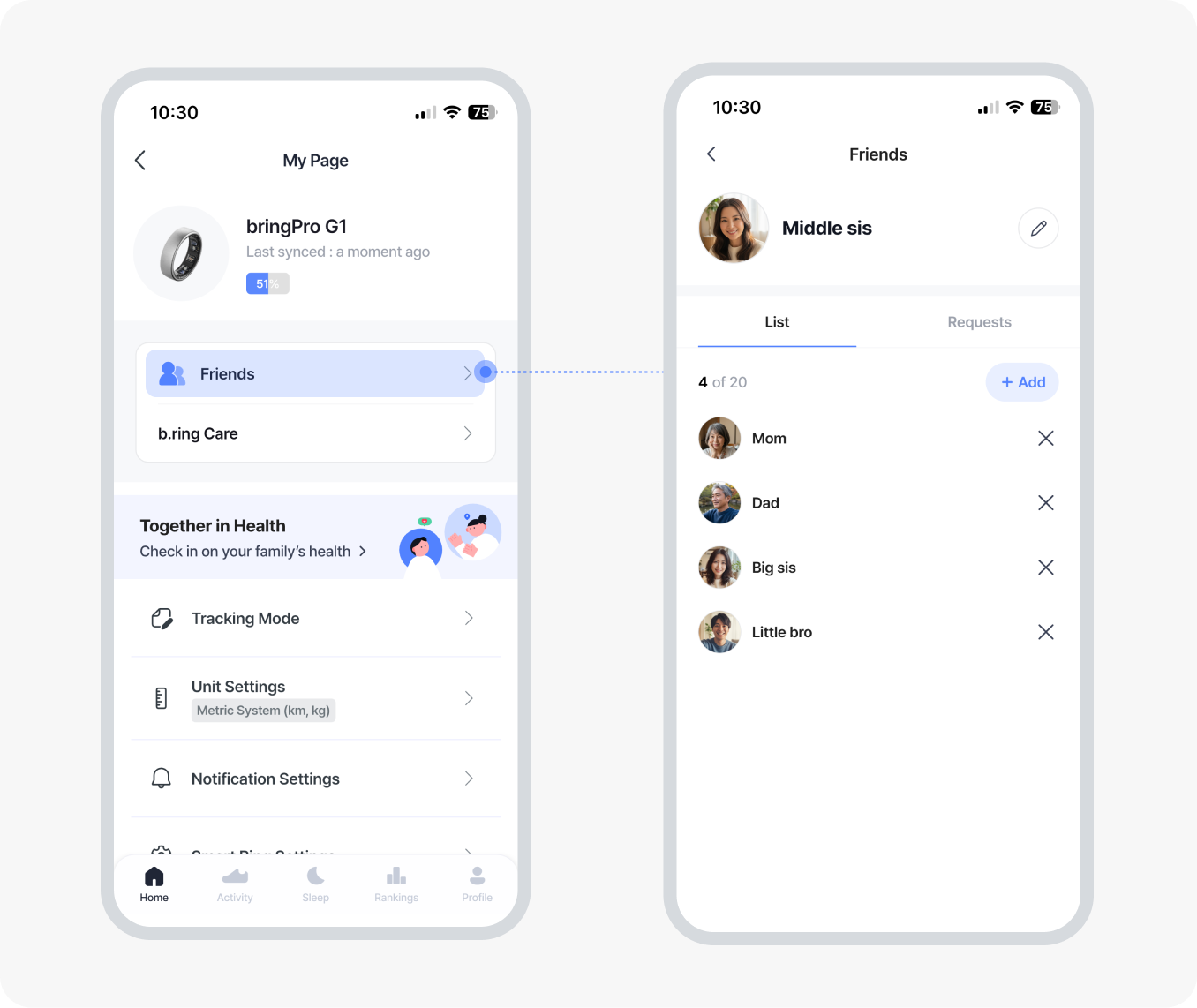
Check which health data can be shared with your friends.